Stryle
See it on you before you buy it.
Save one photo of yourself. Then, in any shopping app, tap the Stryle bubble and see the piece on you in about ten seconds.
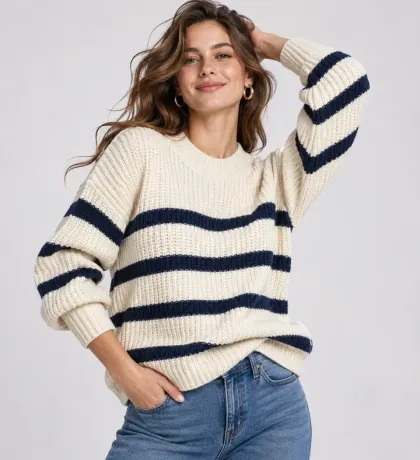
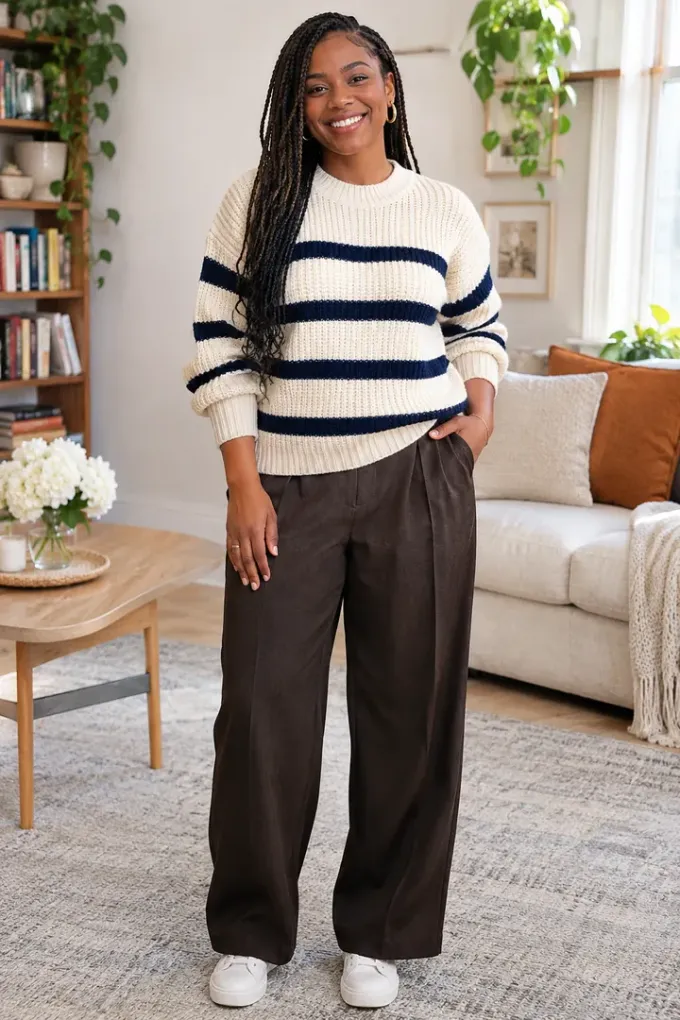
Illustration: a phone shows a shop’s page for a striped knit sweater, photographed on a model. The Stryle bubble is tapped and asks “Try this on?”; it reads the product photo beside the shopper’s own saved photo, and about ten seconds later shows the shopper wearing the same sweater.

How it works
Three steps.
From the moment you open Stryle to the moment it pays off.
-
Step 1: Save one photo of you
Just once. A clear, full-length photo works best. It is the photo every try-on is drawn onto, and it stays on your phone.
-
Step 2: Tap the bubble in any shop
Open a product in any shopping app or browser and tap the Stryle bubble. It asks “Try this on?” — tap Yes.
-
Step 3: See it on you
AI finds the product on the screen and shows it on you. Save the look, or keep shopping.
The details
Plainly put.
What you should know about Stryle before you start.
-
One screenshot, only when you ask
No tap, no screenshot. It is used for that one try-on and is not kept on Stryle’s servers.
-
Your photo stays on your phone
It is sent securely for each try-on and never kept. Your results stay on your device too.
-
No ads, ever
Stryle never sells your data. You pay for Stryle, so you are not the product.
-
No subscription
Everyone starts with 3 free try-ons. After that, buy a pack once — try-ons never expire.
Why we built Stryle
Software for the physical world
The physical world starts with you. Stryle closes the distance between a picture on a screen and how a thing really looks on your own body.
Reach the team
Questions about Stryle?
Contact
Bring us something real.
Tell us what you are building, or ask us anything about Stryle and StowPeek.